

本页目录
关于 WordPress 自带的标签云小工具,可以让我们在适当的页面位置展示我们添加的标签,但默认的标签样式有点难看,我们就在这次的 WordPress 美化教程中来美化以下吧。
- 此次美化教程由纸工厂分享,在此感谢纸工厂。
- 以下代码均添加于主题根目录下的
functions.php文件<?php底部。
注意
本页提供的代码仅供参考,若需部署,还请下载文本文档中的代码来使用。
首先,您可以根据下面的代码注释来自定义您的标签云显示内容:
//修改WordPress自带标签云小工具的显示参数add_filter( 'widget_tag_cloud_args', 'theme_tag_cloud_args' );function theme_tag_cloud_args( $args ){ $newargs = array( 'smallest' => 14, //最小字号 'largest' => 20, //最大字号 'unit' => 'px', //字号单位,可以是pt、px、em或% 'number' => 80, //显示个数 'format' => 'array',//列表格式,可以是flat、list或array 'separator' => "n", //分隔每一项的分隔符 'orderby' => 'name', //排序字段,可以是name或count 'order' => 'RAND', //升序ASC或降序DESC,RAND随机 'exclude' => null, //结果中排除某些标签 'include' => null, //结果中只包含这些标签 'link' => 'view' //taxonomy链接,view或edit 'taxonomy' => 'post_tag', //调用哪些分类法作为标签云 ); $return = array_merge( $args, $newargs); return $return;}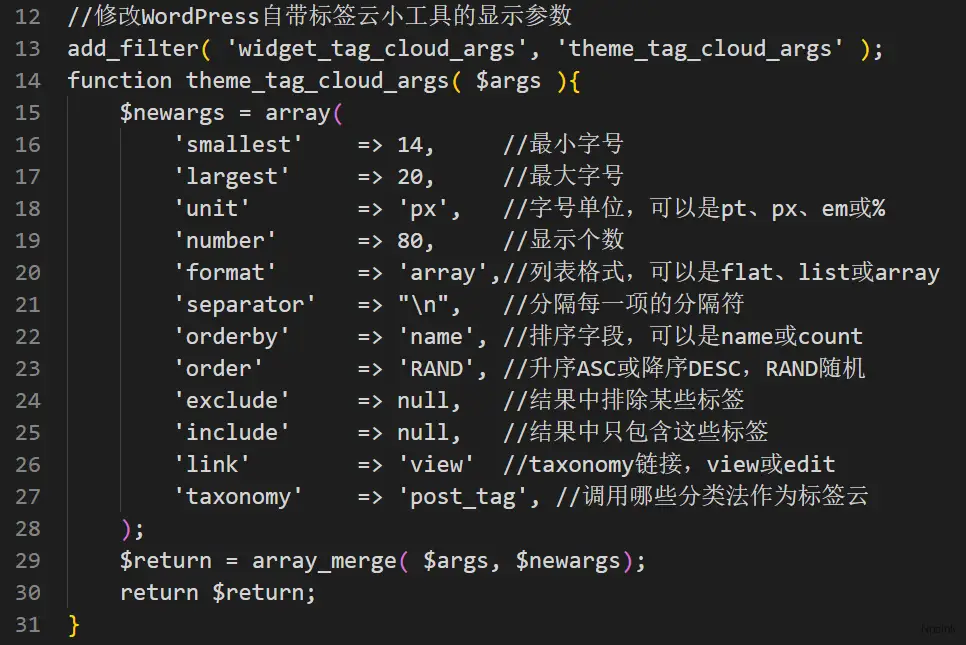
方法一
好,如果你想要自己的标签云变的好看的话,您可以参考下面的代码:
// 实现彩色标签云function colorCloud($text) { $text = preg_replace_callback('|<a (.+?)>|i', 'colorCloudCallback', $text); return $text; } function colorCloudCallback($matches) { $text = $matches[1]; $color = dechex(rand(0,16777215)); $pattern = '/style=('|")(.*)('|")/i'; $text = preg_replace($pattern, "style="color:#{$color};$2;"", $text); return "<a $text>"; } add_filter('wp_tag_cloud', 'colorCloud', 1);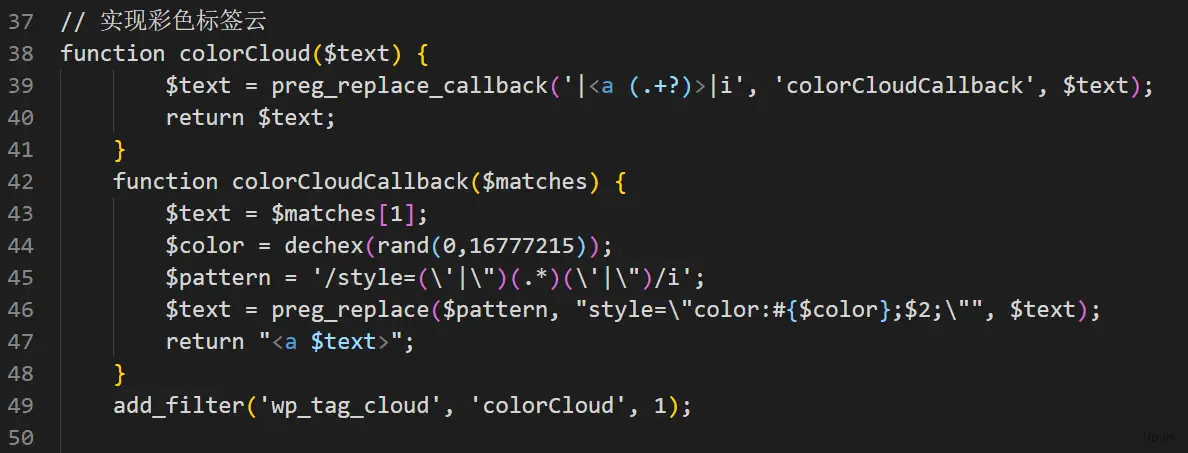
效果如下:

方法二
感觉还是不够特色?来看看这个:
//WordPress圆角彩色背景标签云function colorCloud($text) {$text = preg_replace_callback('|<a (.+?)>|i', 'colorCloudCallback', $text);return $text;}function colorCloudCallback($matches) {$text = $matches[1];$colors = array('F99','C9C','F96','6CC','6C9','37A7FF','B0D686','E6CC6E');$color=$colors[dechex(rand(0,7))];$pattern = '/style=('|")(.*)('|")/i';$text = preg_replace($pattern, "style="display: inline-block; *display: inline; *zoom: 1; color: #fff; padding: 1px 5px; margin: 0 5px 5px 0; background-color: #{$color}; border-radius: 3px; -webkit-transition: background-color .4s linear; -moz-transition: background-color .4s linear; transition: background-color .4s linear;"", $text);$pattern = '/style=('|")(.*)('|")/i';return "<a $text>";}add_filter('wp_tag_cloud', 'colorCloud', 1);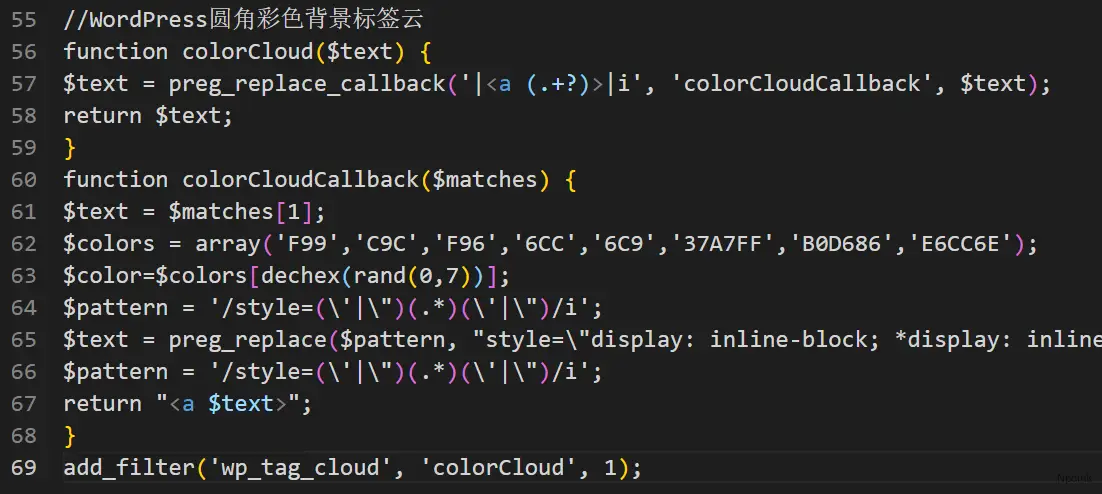
效果如下:
