

网站月很多有趣的标签,给不同的文章打上他们的特色,进行一个简单的分类,这一次做一个单独的页面,将所有标签都展示出来吧。
在主题根目录下创建 page-tags.php 文件,将以下代码添加进 page-tags.php 文件中
<?php/** * Template name: 标签聚合页 * Description: 一个简单有趣的标签页面 */
get_header();
?>
<div class="container container-tags"> <h2><?php the_title(); ?></h2> <div class="tagslist"> <ul> <?php $tags_count = 100; $tagslist = get_tags('orderby=count&order=DESC&number='.$tags_count); foreach($tagslist as $tag) { echo '<li><a class="name" href="'.get_tag_link($tag).'">'. $tag->name .'</a><small>×'. $tag->count .'</small>';
$posts = get_posts( "tag_id=". $tag->term_id ."&numberposts=1" ); foreach( $posts as $post ) { setup_postdata( $post ); echo '<p><a class="tit" href="'.get_permalink().'">'.get_the_title().'</a></p>'; }
echo '</li>'; }
?> </ul> </div></div>
<style type="text/css">
/* CSS Document */
@media (min-width:768px){.container{width:auto}}@media (min-width:992px){.container{width:auto}}@media (min-width:1200px){.container{width:auto}}
.container-tags{}.container-tags h1{font-size: 22px;margin: 0;text-align: center;margin-bottom: 15px;}.tagslist{overflow: hidden;}.tagslist ul{list-style-type: none;padding: 0;margin: 0 -2% 0 0;}.tagslist li{float: left;width: 23%;margin-right: 2%;margin-bottom: 2%;padding: 15px;border: 1px solid #eee;background-color: #fff;border-radius: 2px;}.tagslist li .name{background-color: #eee;display: inline-block;padding: 5px 10px 4px;font-size: 12px;color: #666;}.tagslist li .name:hover{background-color: #444;color: #fff;}.tagslist li:hover{border-color: #ccc;}.tagslist li:hover .name{background-color: #444;color: #fff;}.tagslist li small{margin-left: 10px;color: #bbb;}.tagslist li p{margin: 10px 0 0;font-size: 12px;height: 17px;overflow: hidden;display: block;line-height: 1.5;}.tagslist li .tit{color: #999;}.tagslist li .tit:hover{color: #444;}
@media (max-width:1024px){ .tagslist li{width: 31.3333333%;}}@media (max-width:768px){ .tagslist li{width: 48%;}}@media (max-width:640px){ .container-tags{padding: 15px;}}@media (max-width:544px){ .container-tags h1{font-size: 14px;font-weight: bold;margin-bottom: 10px;} .tagslist li{padding: 10px;}}s
</style>
<?php
get_footer();在后台页面选项中新建页面,选择标签聚合页模板即可。
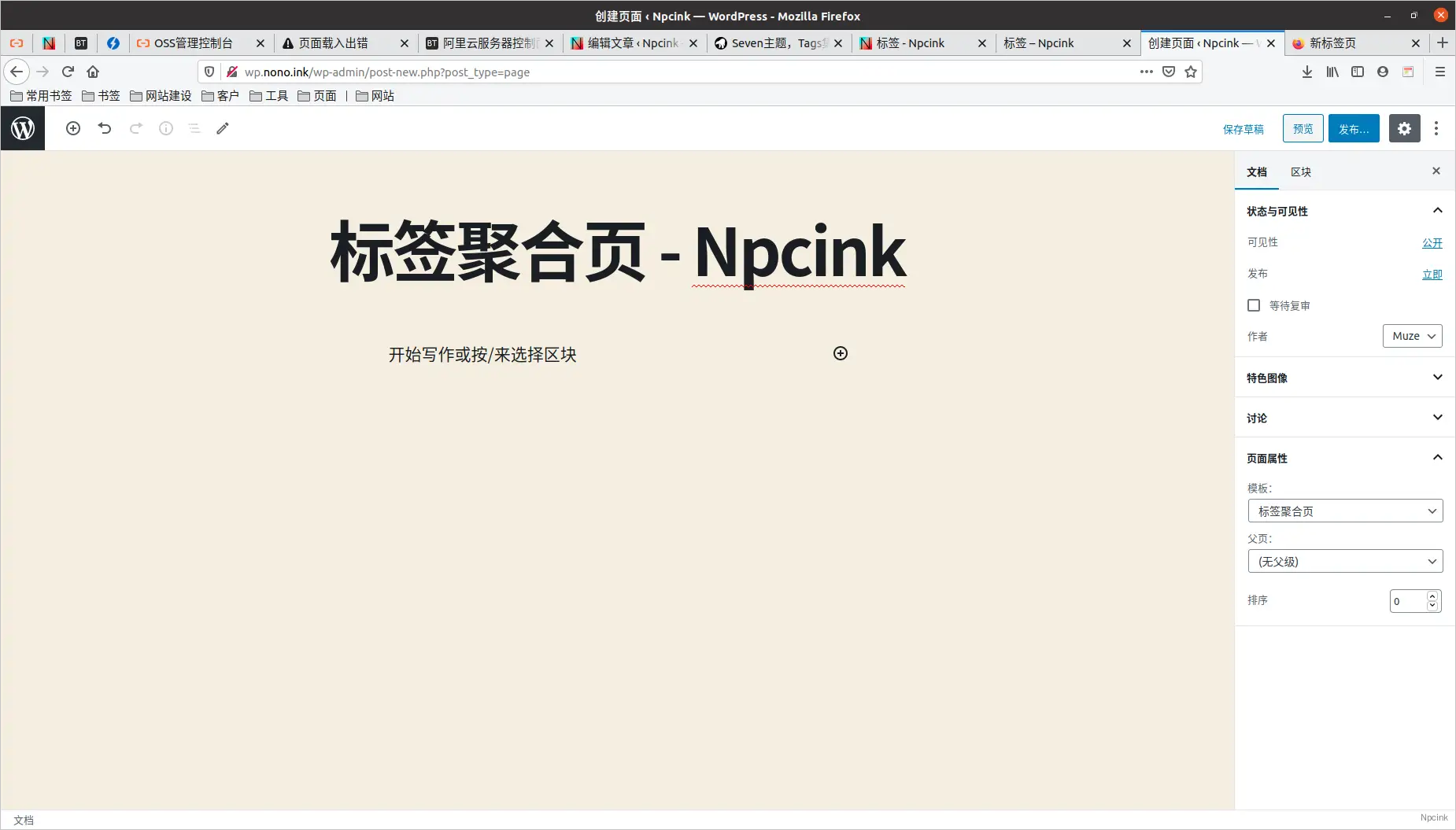
代码部署完成后可根据自己的主题进行外观适配,标签下的文本截取自第一篇使用该标签的文章标题。