
本页目录
在使用 CSS 进行网页布局时,我们常常需要让某个 div 块或是文本水平垂直绝对居中,那么,都有哪些方法呢?这一次的 css 笔记分享下怎么用 css 实现水平垂直绝对居中。
- 参考壹:CSDN
- **参考贰:
**知乎
- **参考叁:
**掘金
第壹种:
伸缩盒子,要定义在父类

.father-box { display: flex; justify-content: center; /*水平居中*/ align-items: center;/*垂直居中*/}第贰种:
若父容器下只有一个元素,且父元素设置了高度,则只需要使用相对定位即可

.father-box { height:200px;}.son-box { position: relative; top: 50%; transform: translateY(-50%); text-align: center;}第叁种:
Flex 布局

.father-box { display:flex;/*Flex布局*/ display: -webkit-flex; /* Safari */ align-items:center;/*指定垂直居中*/}.son-box { text-align: center;}第肆种:
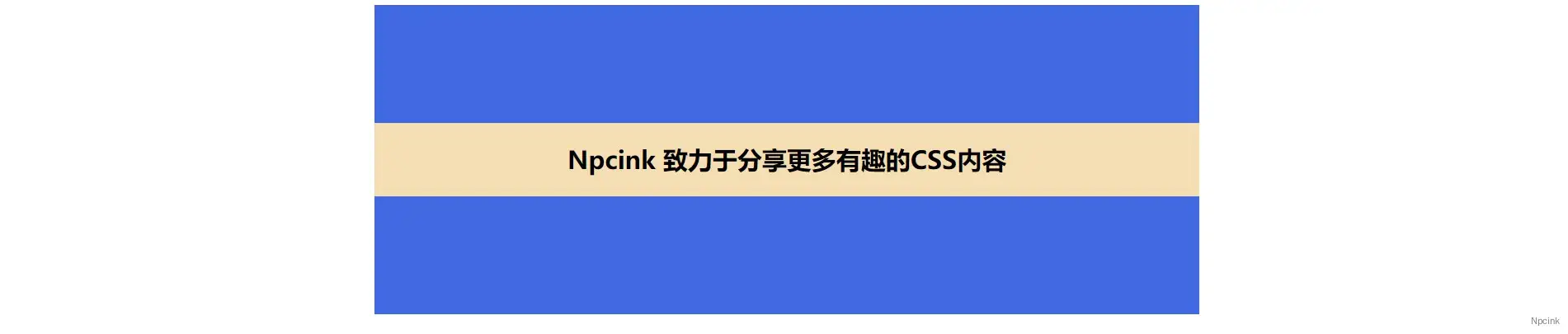
.father-box { position: relative; width: 800px; height: 300px;}.son-box { position: absolute; top: 50%; transform: translate(0, -50%); width: 100%; text-align: center;}